|
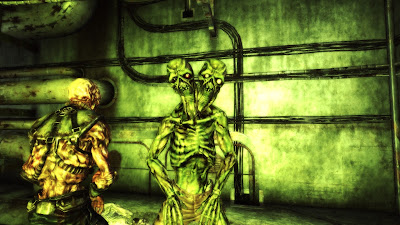
| It's big, and it's blue. |
The mod page mentioned a unique weapon, The Noisy Radroach, to the east of the Greener Pastures Disposal Site. It was near some corpses I failed to see, so I never collected the weapon. The image below is the Noisy Radroach opened in the GECK.
 |
| The Noisy Radroach - New Uniques Mod. |
From what I understand, the gun was supposed to be in one of the two dead bodies near a rock formation. Another image from the location using the GECK. The Alien Terror seems to spawn when the player enters the red cube.
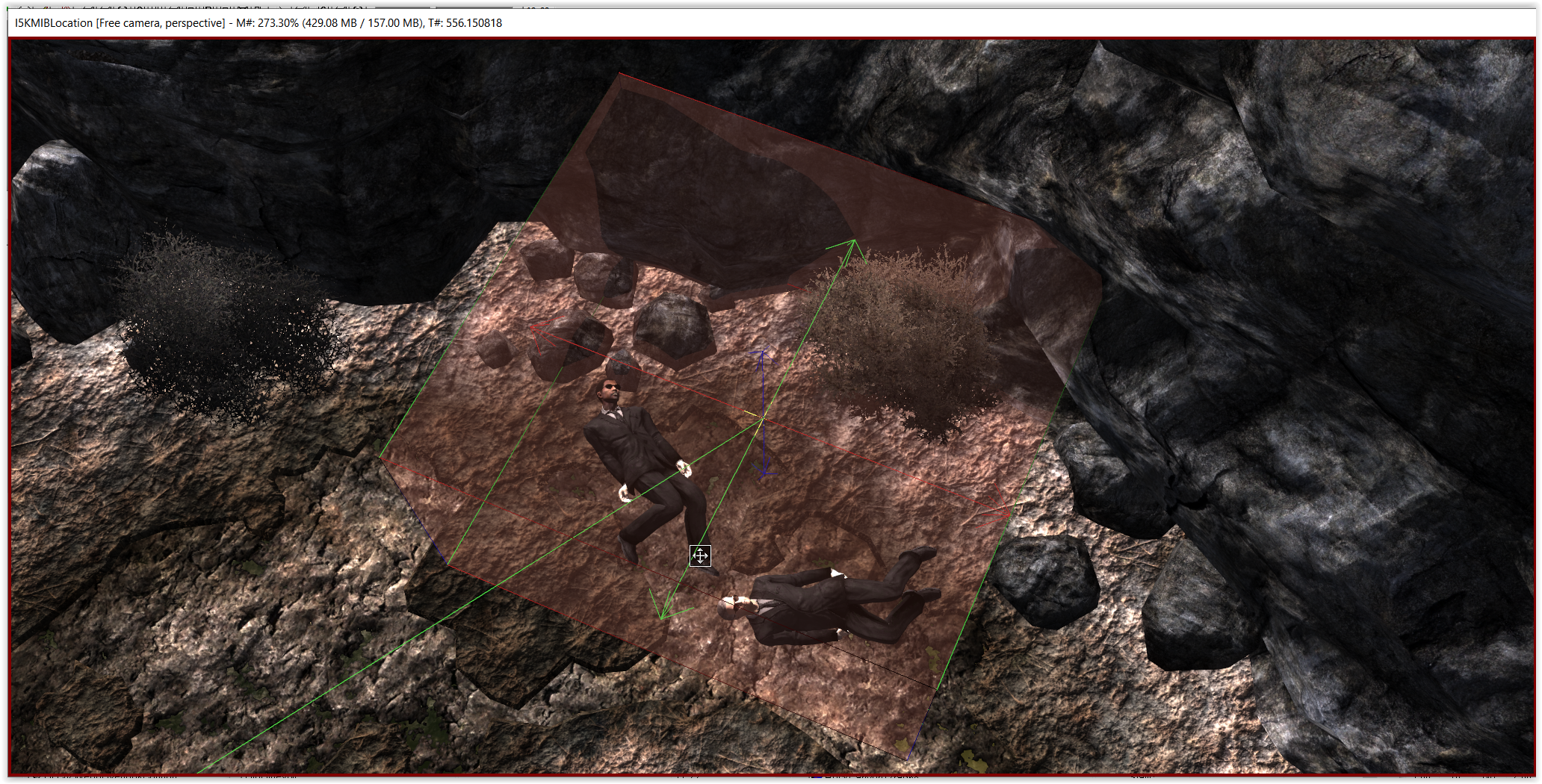 |
| The two MIB agents. |
By approaching the bodies, the player would trigger the Alien Terror attack. More images below show the exact location.
 |
| Top View. |
 |
| You can see the Alien Terror on the bottom right. |
 |
| It's east of the radioactive barrels, after the broken fence. |
The Alien Terror uses the Abomination model from Mothership Zeta with a unique texture. It looks really cool.
 |
| Nice textures. |
Too much time has passed since I visited the place for the first time. The two agents' bodies have vanished probably because of an FWE (or MMM?) feature in which bodies decay over time. Oh, well.